Online Course Catalog
We love the work we do at Chaos to Memories, and we’re committed to helping other serious photo organizers do great work. In addition to books and workshops, we also offer a comprehensive library of online courses To help guide your next steps, we’ve created this online course catalog.
Our students love our courses and they consistently tell us they’re:
- thorough and systematic
- clear and practical
- technically sound
But with so many courses, some folks ask us the best sequence to take them. Whether you’re starting from scratch or ready for a review, this is the watch sequence I recommend.
Overview
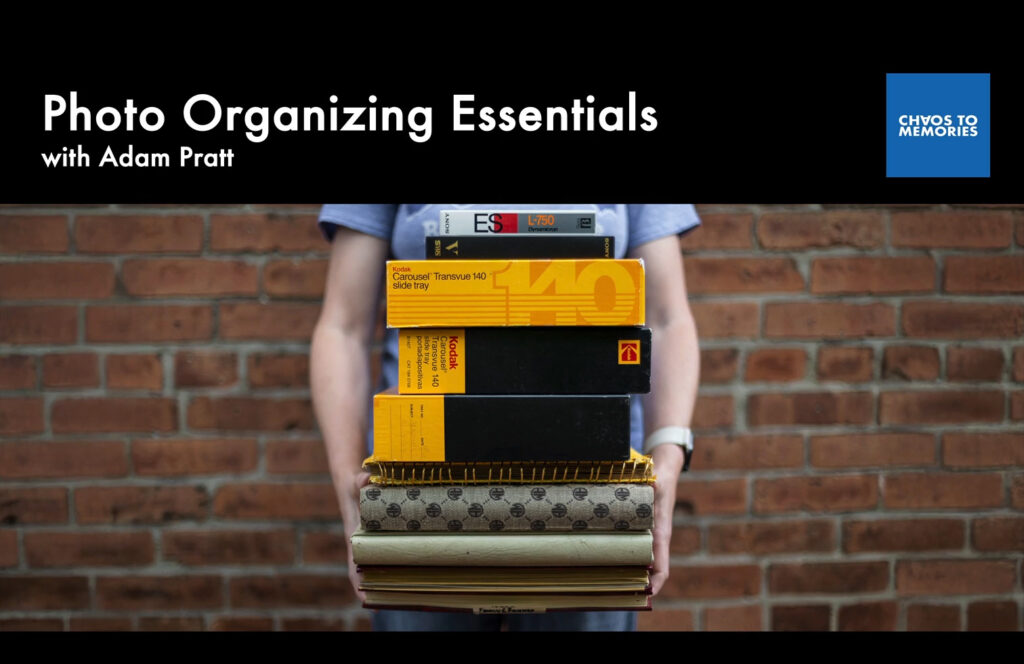
Photo Organizing Essentials offers an overview of our proven 5-step organizing process. All our other courses support this course, so this is the best place to start.
Foundations
I believe it’s necessary to have a solid technical foundation in order to be an excellent photo organizer or digital archivist. Therefore, the next step in your learning path should be these three foundational courses.
Digital Format Foundations
This course was created to give you clear and practical guidance on dozens of digital formats so you know what to keep, convert, or delete. You’ll learn about foundational topics including resolution (DPI vs PPI), compression, and best practices for digital preservation and conversion.
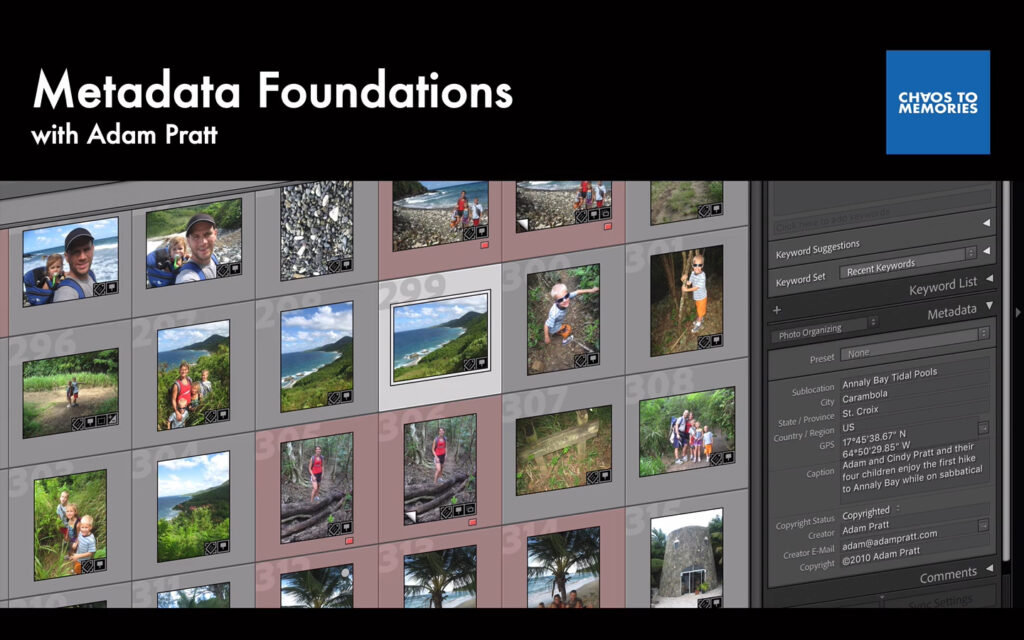
Metadata Foundations
Industry-standard metadata adds invisible tags to your photos that include important details such as dates, people, places, events, and more. These searchable tags aren’t limited to specific phones, apps, or platforms and are the best way to organize photos for decades and generations to come.
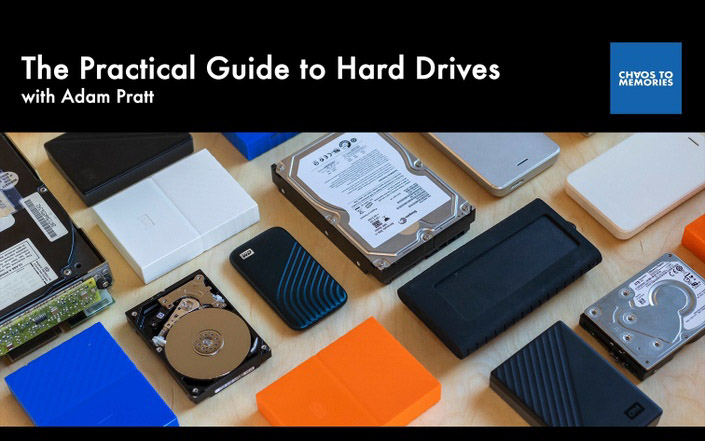
The Practical Guide to Hard Drives
Hard drives are essential to the work of organizing and preserving visual memories. This course will help you implement best practices, enjoy peace of mind, and work with confidence about your most important data.
Organizing Physical Photos
If your work includes physical photos and videos, then the next steps of your learning path should include these three courses in this order.
Coming Soon! Gathering Physical Photos and Videos
Learn a consistent workflow for gathering all kinds of physical photo and video memories, identifying different formats in a collection, and handling and storing them safely. Learn about dozens of formats of photo prints, film negatives, photographic slides, video tapes, and film reels in this comprehensive course.
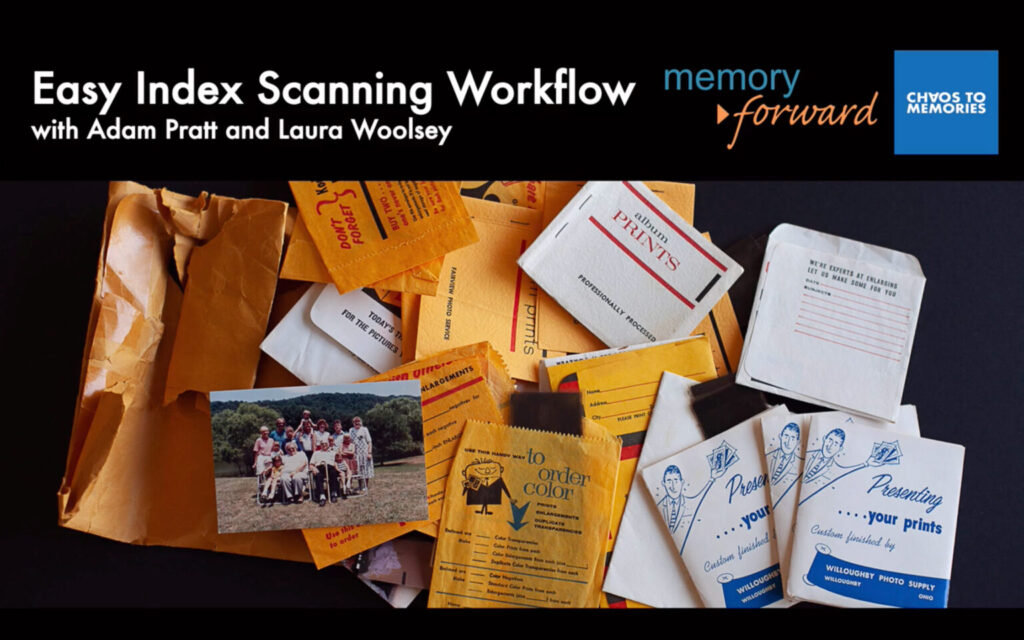
Easy Index Scanning Workflow
If you organize and scan photos, then you need to learn this efficient organizing workflow. Use this workflow before you scan so you can deliver projects that are chronologically organized and professionally presented.
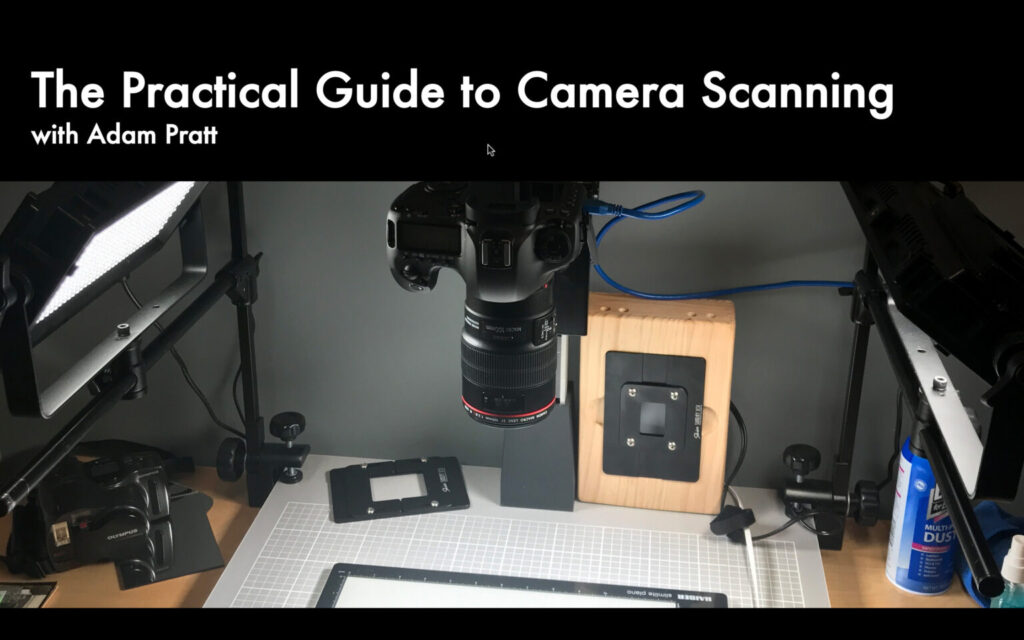
The Practical Guide to Camera Scanning
Learn to scan any photo format at high resolution, high quality, and high speed with off-the-shelf gear. Use the advanced scanning technique you’ll find at leading museums and archives around the world to deliver the best possible results to your clients.
Organizing Digital Photos
If your work includes digital photos and videos, then the next steps in your learning path should include these three courses in this order. If you work with both physical and digital sources, I suggest taking the courses about physical photos first, followed by these three courses.
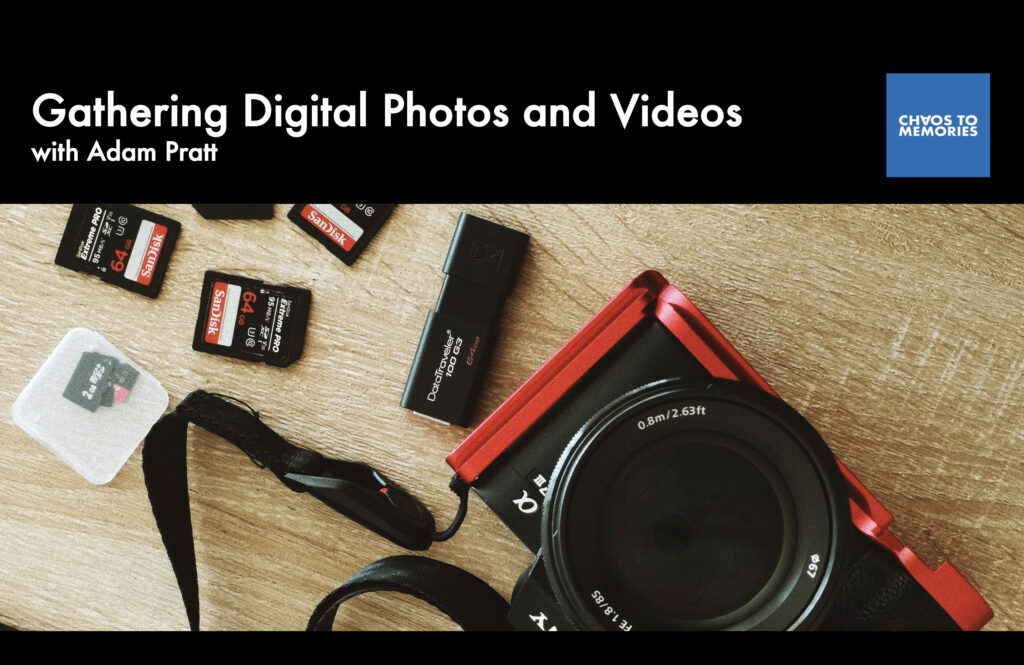
Gathering Digital Photos and Videos
This thorough and efficient workflow will equip you to gather digital memories from computers and cameras, clouds and cards, discs and drives.
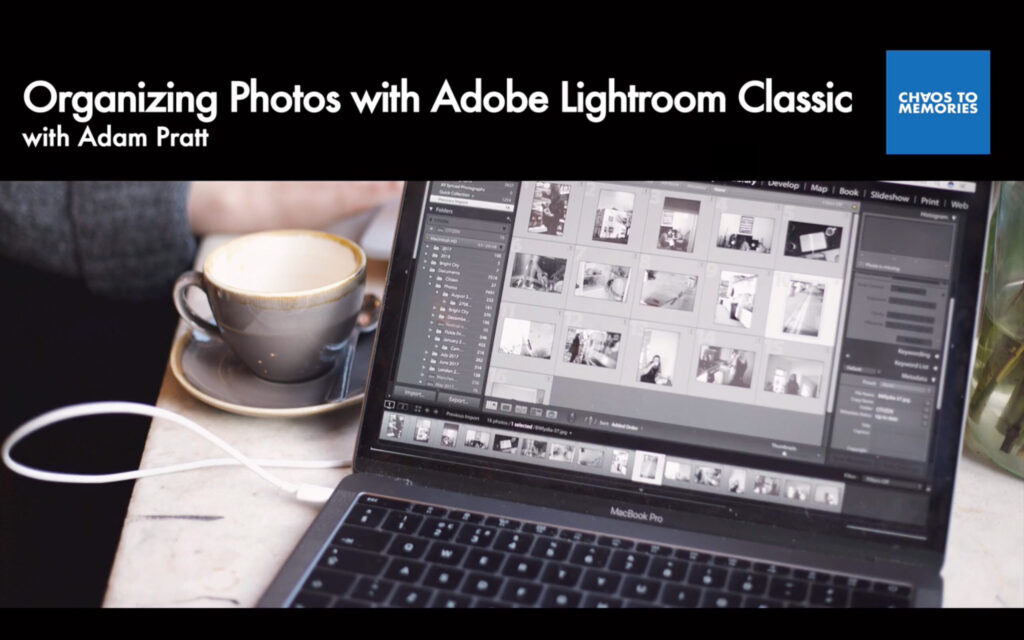
Organizing Photos with Adobe Lightroom Classic
Learn a comprehensive photo organizing workflow with Adobe Lightroom Classic that’s based on open standards and industry best practices so that you can tackle any photo organizing project.
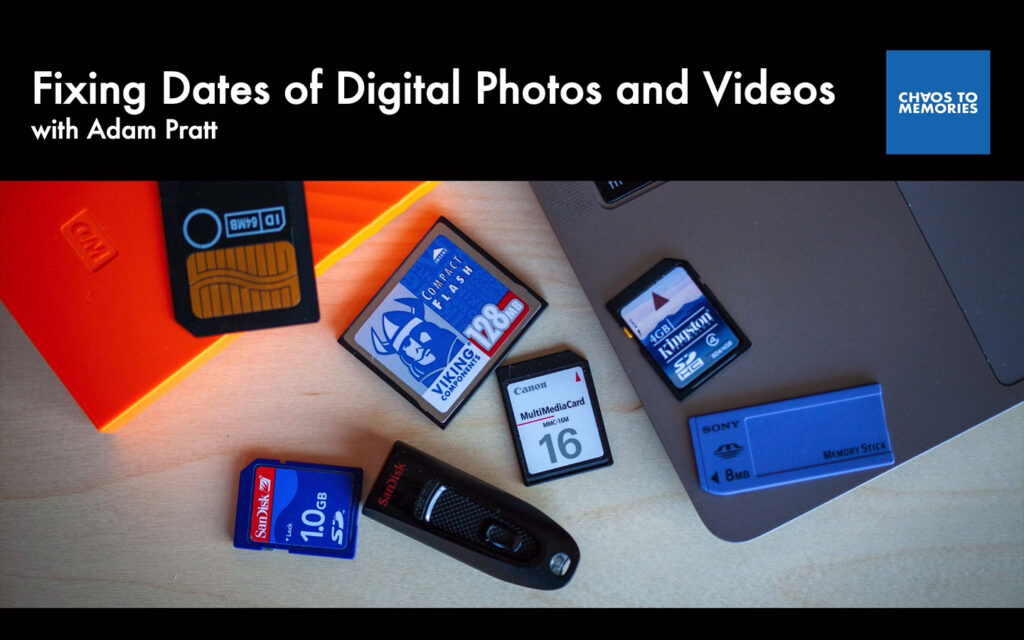
Fixing Dates of Digital Photos and Videos
Photos and videos are, by their very definition, a capture of a moment in time, so organizing them chronologically is the best approach. In this course you’ll learn about the fundamentals of dates and times for digital photos and videos and how to fix eleven common problems.
Photo Organizing Business
If you work with clients, then you need these two courses to run your business profitably and manage projects with confidence.
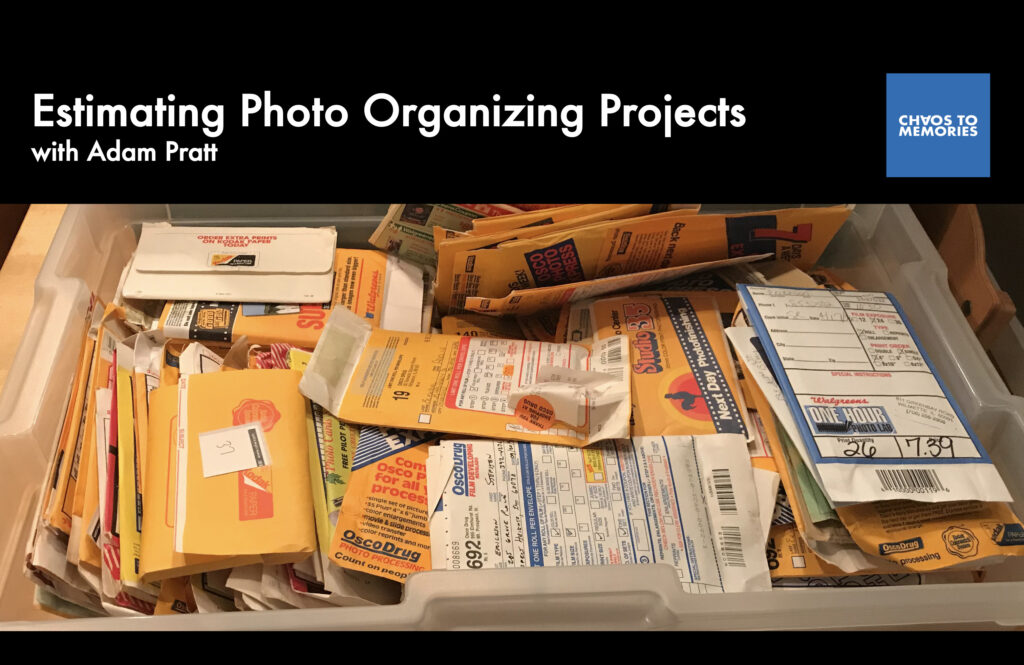
Estimating Photo Organizing Projects
The hardest part of organizing family photos is estimating the cost of new projects. In this course you’ll learn my expert estimating tips and the process we use every day in our studio.
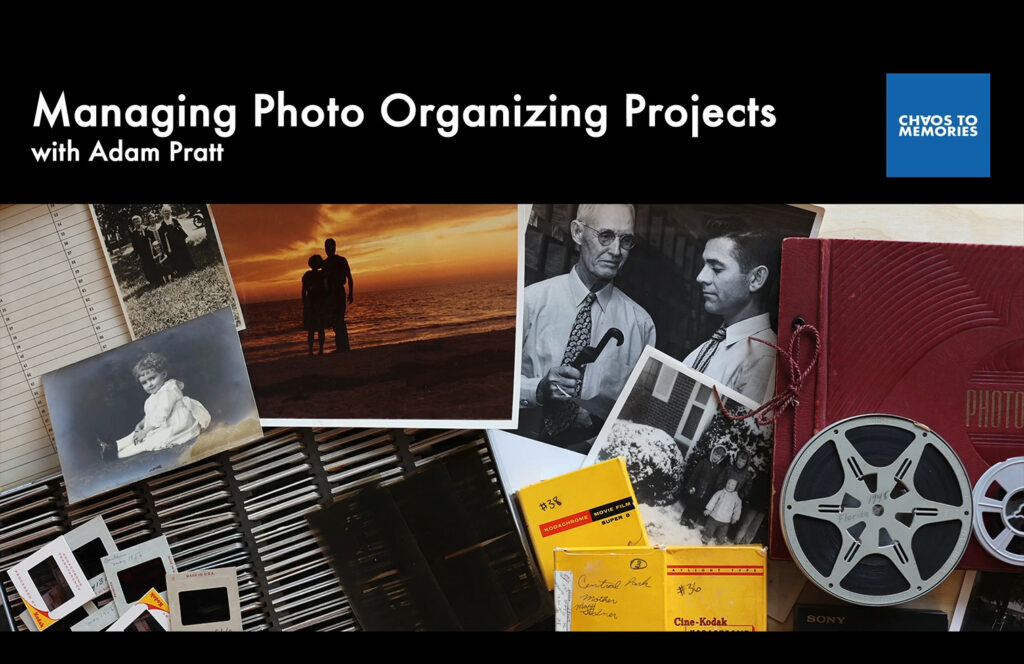
Managing Photo Organizing Projects
If you want to create a great client experience, manage complex projects, and keep track of it all, then this course is for you. Learn the best practices we use every day to manage large photo organizing projects.
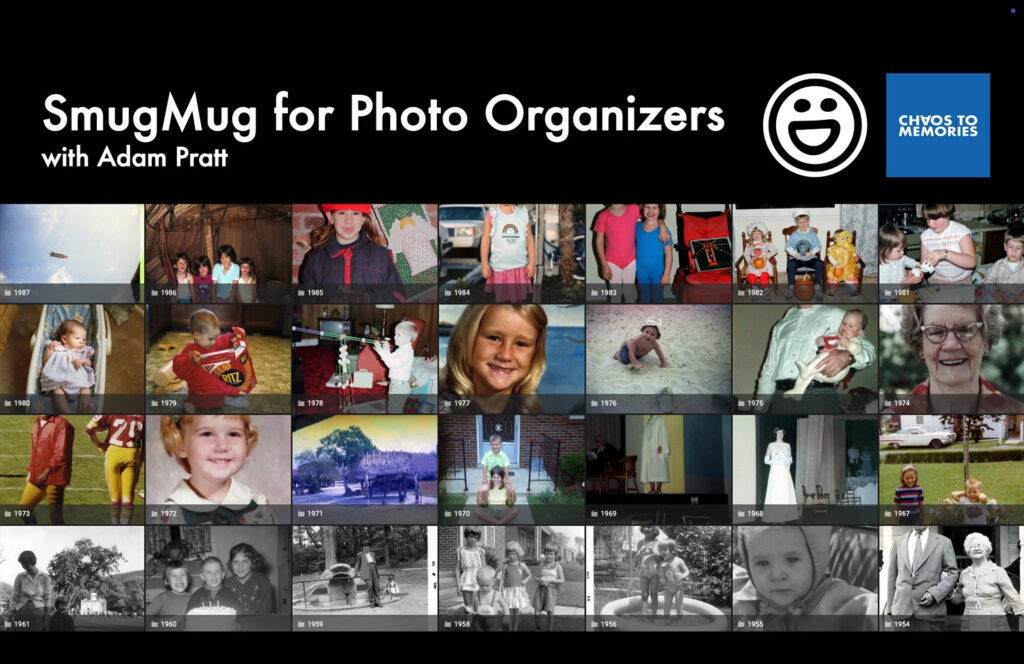
SmugMug for Photo Organizers
As a professional photo organizer you need to collaborate with your clients in ways that are professional, intuitive, and secure. In this course you’ll discover a dozen ways to use the SmugMug photo sharing platform to deliver memorable photo projects and a great client experience.
Client Delivery
At the end of every project we want to ensure that our clients know how to access, search, and share their photo memories.
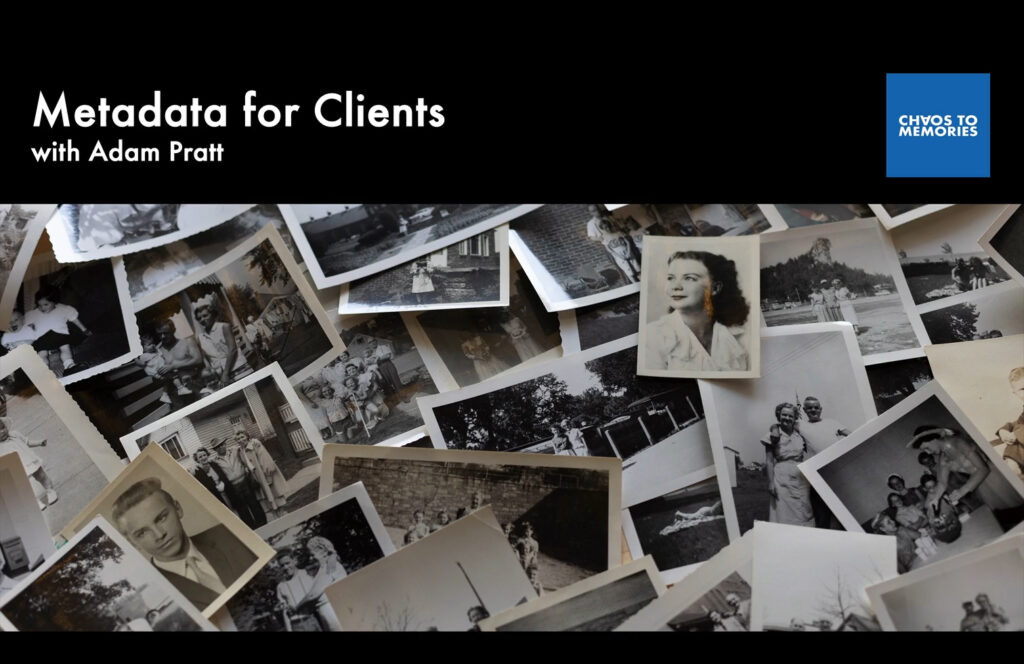
Metadata for Clients
This short course teaches our clients about metadata basics, how to copy their Family Photo Archive to their computer, and how to search their photos from a variety of apps and devices.
Introducing the Complete Collection
Students around the world rely on our courses and workflows to preserve and organize their visual memories. We offer the Complete Collection of all or online courses for one incredible price. Save 20% with the Complete Collection and get unlimited access to all of my expert photo organizing courses. If you’re just getting started this is an amazing offer to learn all my workflows, tackle your projects, and launch your business.
If you’ve already purchased some of our courses and want to upgrade to the Complete Collection, we have a special offer for you. Just contact us and we will create a custom upgrade for you that gives you credit for the courses you’ve already purchased!
Interested in working with Chaos to Memories?
If you’re near Chicago and ready to get started, come visit our Wheaton Studio Monday – Friday, 10-5. Please bring your memories with you.
If you live outside the Chicagoland area, we’re happy to send you a Project Form and Contract, along with shipping instructions, so you can get started on your project.
Contact us for more information.