
Minimizing Duplicate Digital Photos
Our average client has more than 250,000 digital photos in their collection, but more than 50% of those are duplicates. To minimize the digital photo chaos in your life, follow these four best practices.
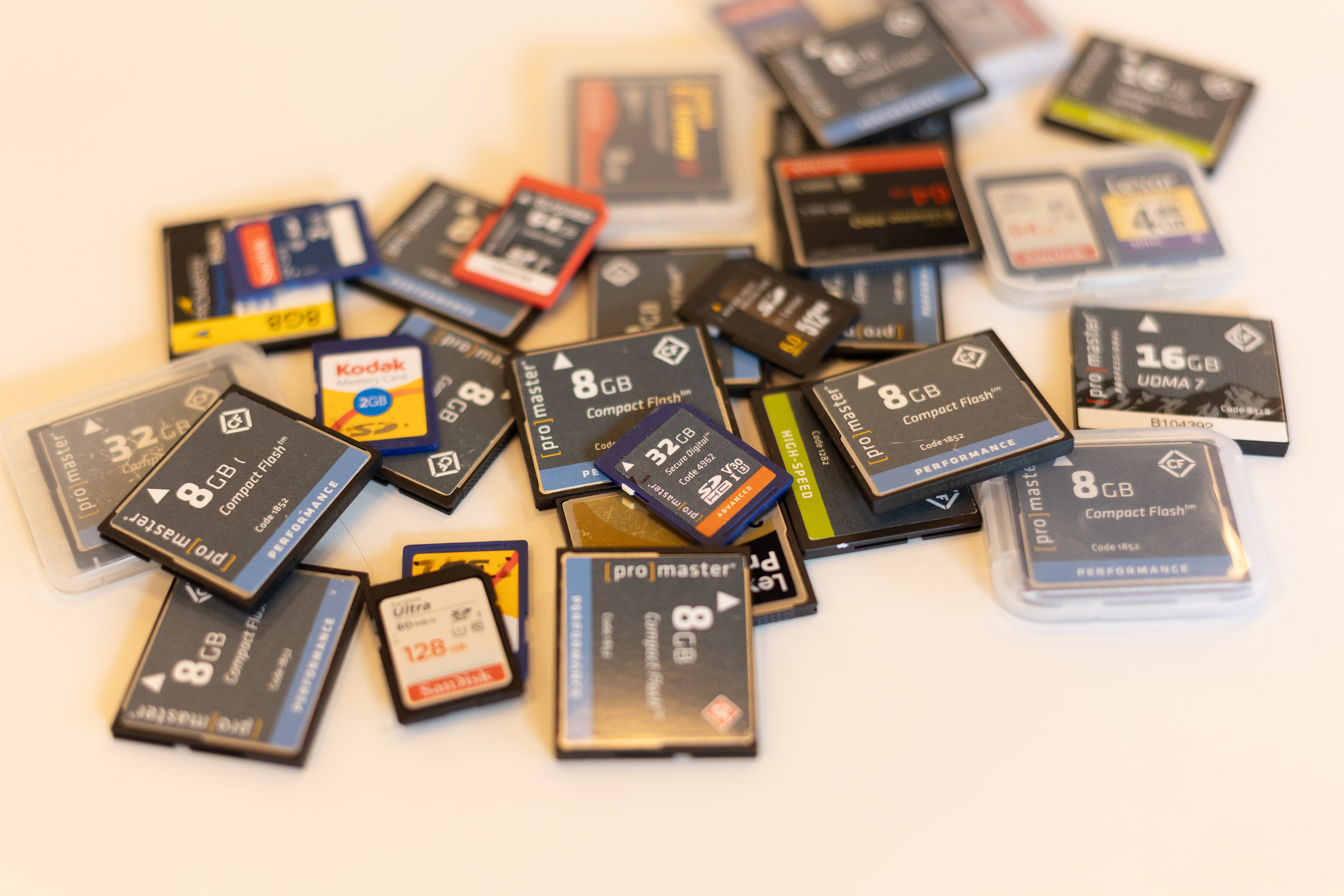
- Format memory cards
After you download photos from memory cards to your computer and back them up, format your memory cards. This ensures you’re ready to shoot with an empty card at your next event and drastically reduces the number of duplicate photos in your collection. - Store your photos in one location
We recommend having a single location on your computer or external hard drive where you store and organize all your digital photos. When you copy photos to multiple locations it’s hard to keep track and leads to lots of duplicates. - Use one cloud service
There are many cloud photo services, but storing your photos in Apple Photos, Google Photos, Amazon Photos, and DropBox isn’t a good strategy. It’s too much to keep track of and you can’t be sure they’re all working as expected. Instead, we suggest using one cloud service and checking regularly that it’s syncing as expected. This will save you money, simplify your life, and reduce your digital duplicates. - Delete photos after posting to social media
Many people post photos to social media after they’ve been cropped, stylized, and reduced in size. Those are fun to post, but they’re not the best files to keep longterm in your Family Photo Archive. Post all you want, but we suggest you delete the copies and keep the originals.
Interested in working with Chaos to Memories?
If you’re near Chicago and ready to get started, come visit our Wheaton Studio Monday – Friday, 10-5. Please bring your memories with you.
If you live outside the Chicagoland area, we’re happy to send you a Project Form and Contract, along with shipping instructions, so you can get started on your project.
Contact us for more information.