
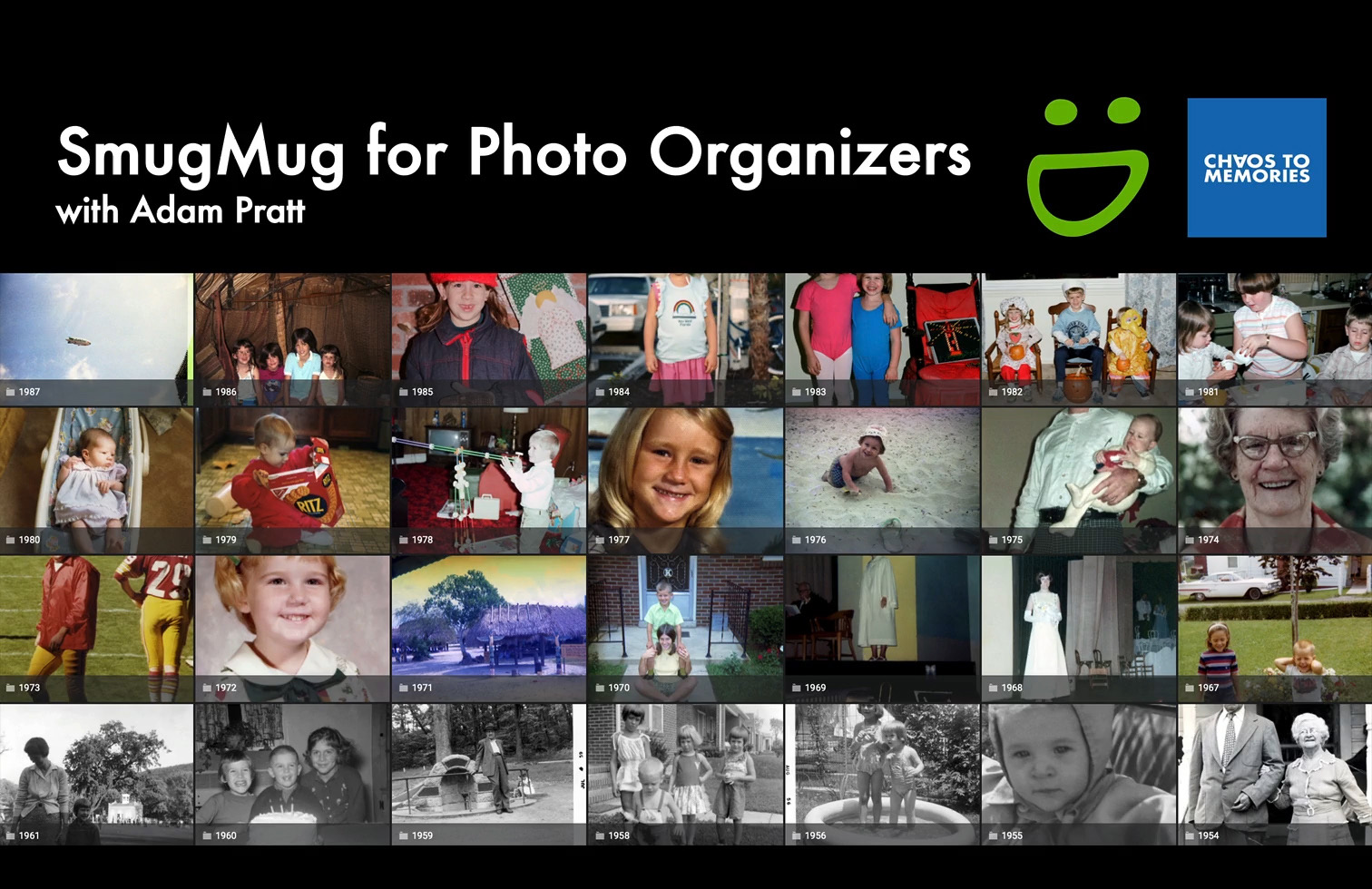
Course: SmugMug for Photo Organizers
As professional photo organizers, we need to collaborate with our clients in ways that are professional, intuitive, and secure. In this course you’ll discover a dozen ways to use the SmugMug photo sharing platform to deliver memorable photo projects and a great client experience.
What will I learn?
- Get client feedback and approval
- Share and gather photos
- Ensure privacy and confidentiality
- Deliver a professional experience
- Run a more profitable business
If you’re tired of using many different apps, services, and clouds, then you’re going to love how SmugMug can make your life easier.
Who’s this course for?
This course is for professional photo organizers and digital archivists who need to:
- Share and showcase photos
- Get feedback and approval from clients
- Access and share their own photo archives on the go
- Deliver a professional and intuitive client experience
Course Information
Course Includes
- More than 2.5+ hours (2:41) of self-paced video training in 21 lessons
- Graphic templates to customize your SmugMug site
- Resource Guide with step-by-step workflows (PDF)
- Downloadable transcripts for every lesson to use as reference notes (PDF)
- Access on computer, tablet, or smart phone
- Immediate access to all lessons with no expiration
Here’s feedback from two students:
“Like all of the Chaos to Memories courses, the SmugMug class is high quality and worth every penny. I entered the class already knowing a lot about SmugMug, but Adam is brilliant at fine-tuning workflows and is strategic about how his company utilizes the platform. I highly recommend this course for anyone who wants to level up their use of SmugMug.”
– Paige Shockley, Owner of Clear with Paige
“What I loved most is the focus on SmugMug as a business workflow tool—not just another gallery platform. The course shows you exactly how to use SmugMug to manage your own digital assets, streamline client feedback for photo books and restorations, and even collaborate with families to capture important ancestral details and dates.
This training is practical, thorough, and directly applicable to running a photo organizing business. Highly recommended.”
– Kelsey Conger, Operations Manager at 2000 Paces Photo Organizing
Our full list of courses includes:
- Photo Organizing Essentials
- Gathering Digital Photos and Videos
- Organizing Photos with Lightroom Classic
- The Practical Guide to Camera Scanning
- Managing Photo Organizing Projects
- Estimating Photo Organizing Projects
- Easy Index Scanning Workflow
- Fixing Dates of Digital Photos and Videos
- Digital Format Foundations
- Metadata Foundations
- Organizing Photos with Adobe Bridge
- The Practical Guide to Hard Drives
- Metadata for Clients
- Seven Steps to Creative Problem Solving
We also offer 20% off if you purchase the Complete Collection.
Interested in working with Chaos to Memories?
If you’re near Chicago and ready to get started, come visit our Wheaton Studio Monday – Friday, 10-5. Please bring your memories with you.
Contact us for more information, shipping instructions, and to get started on your project.