
Which photo should I scan?
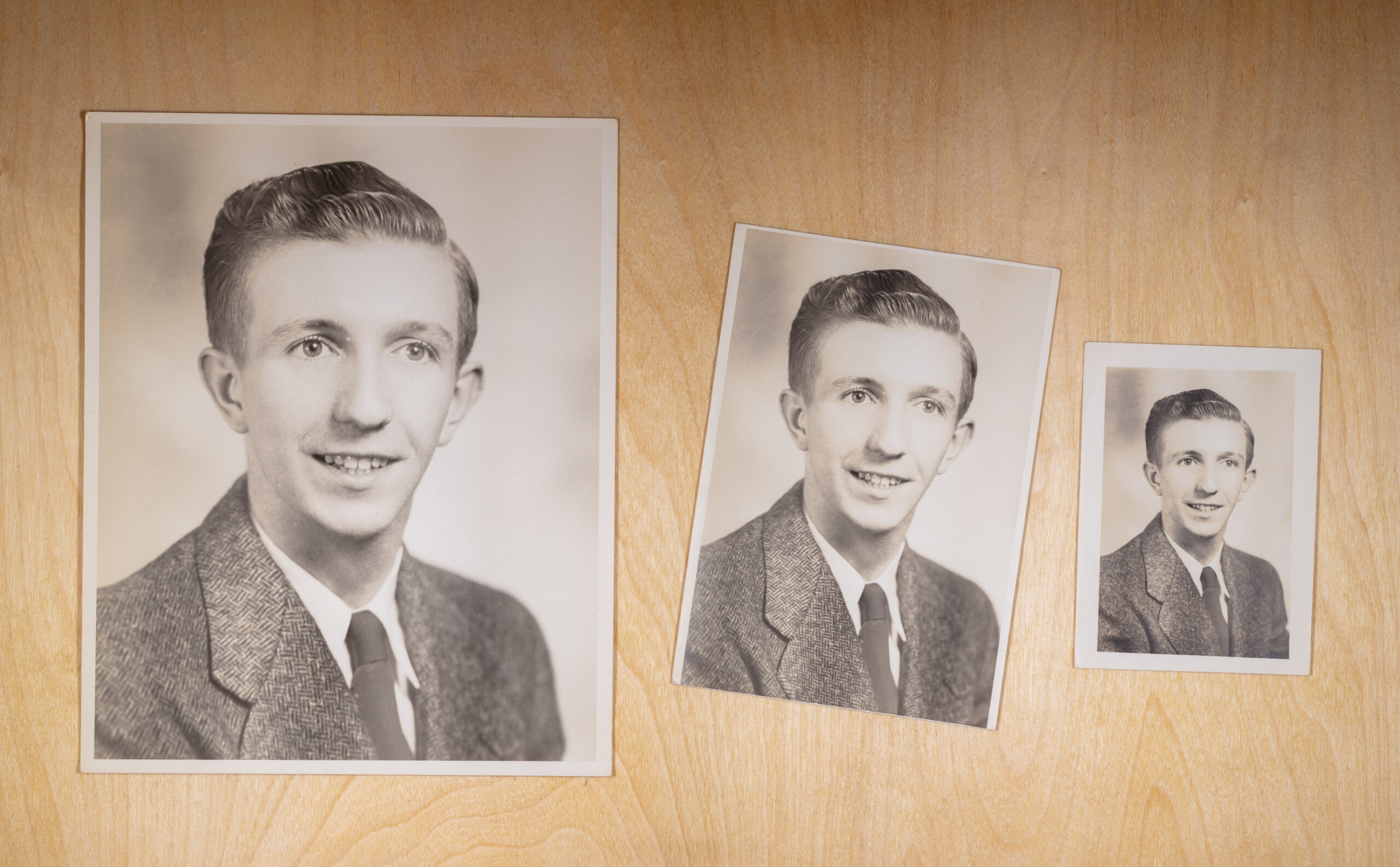
Do you remember the school portrait picture packages from picture day? These included multiple sizes of the same photos including 8x10s, 5x7s, 4x6s, and wallets.
When you scan photo prints, you should scan the largest print available because that will give you the highest resolution and more options for enlargements, restoration, photo books, and slideshows.
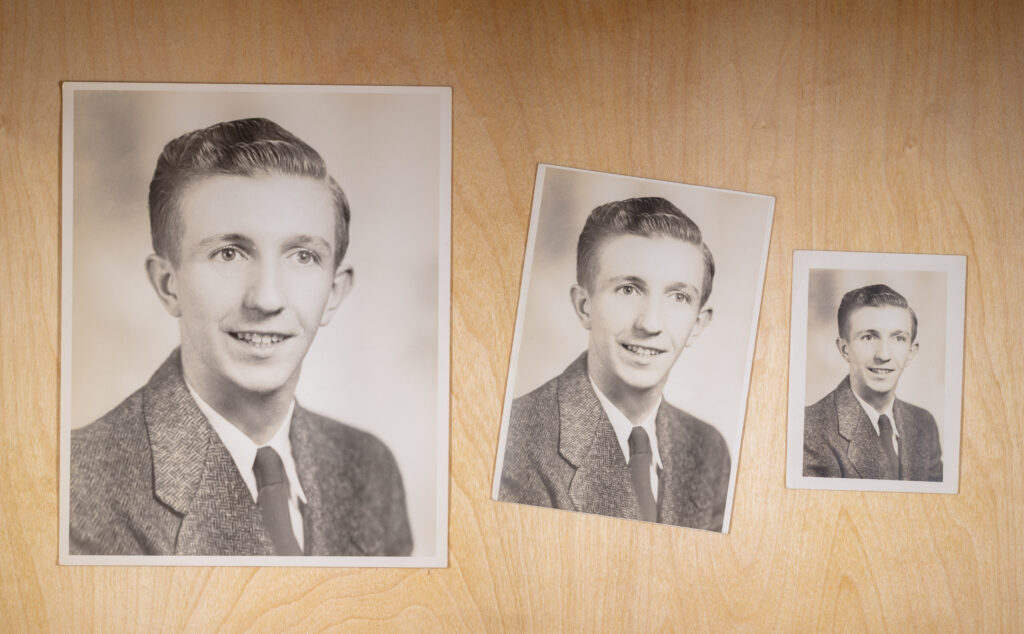
However, the 8×10 print which is usually the largest print in a school picture package is a different aspect ratio than the original film negative. If you scan the largest print you’ll get the highest resolution, but you might lose some of the original image area.
A 4×6 is probably the largest print that retains the full image area. A 5×7 is a little bigger and crops less than an 8×10, so that’s also a good option for scanning.
Summary:
- If all you have is a wallet, then scan that at 600 PPI. Scanning higher than 600 PPI will give you a bigger file, but it won’t give you more usable detail.
- If you want the highest resolution, then scan the largest print.
- If you want the most complete image area, then scan a 4×6 or 5×7 print.
Interested in working with Chaos to Memories?
If you’re near Chicago and ready to get started, come visit our Wheaton Studio Monday – Friday, 10-5. Please bring your memories with you.
Contact us for more information, shipping instructions, and to get started on your project.