-
![DVDs and CDs are at risk blog post]()
Your DVDs and CDs are at Risk!
Would you believe we have a better success rate converting 40-year-old Betamax tapes than 10 year old DVDs? Unfortunately…
-
![Gathering Digital Photos and Videos - Course with Adam Pratt]()
Course: Gathering Digital Photos and Videos
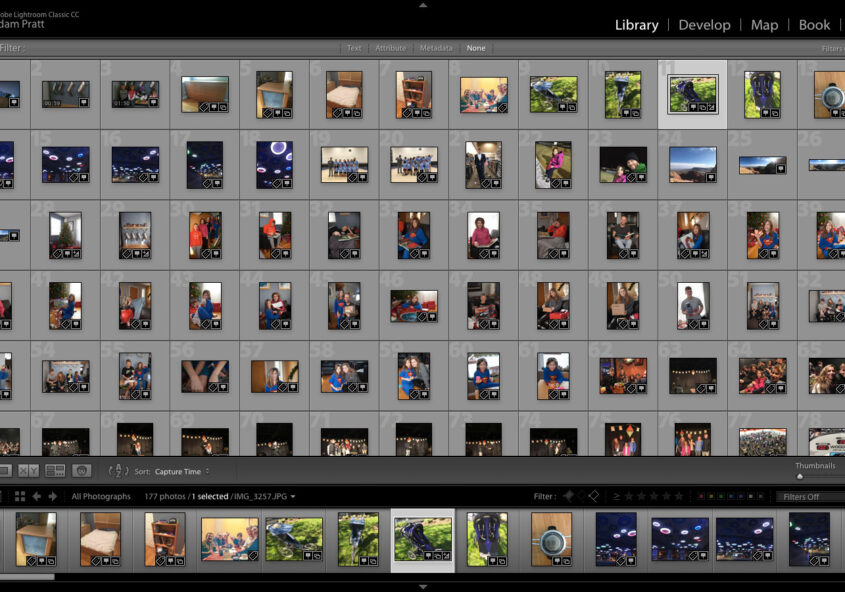
Our average client has over 250,000 digital photos and videos, so we’ve developed a digital gathering workflow that’s…
-
![what kind of hard drive should I use for my project?]()
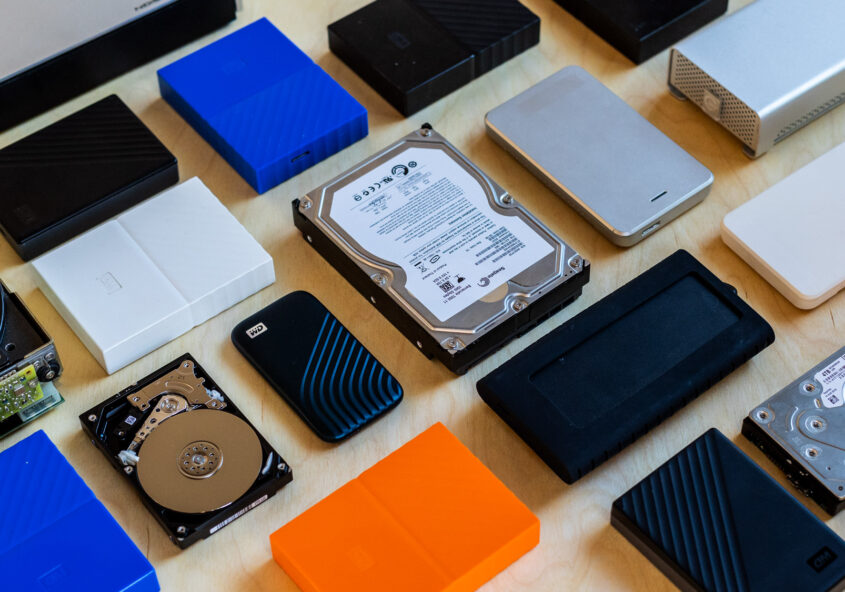
What kind of hard drive should I use for my photos?
Our average client has over 250,000 digital photos, so choosing a hard drive is an important decision to keep your memories safe and…
-
![digital photos]()
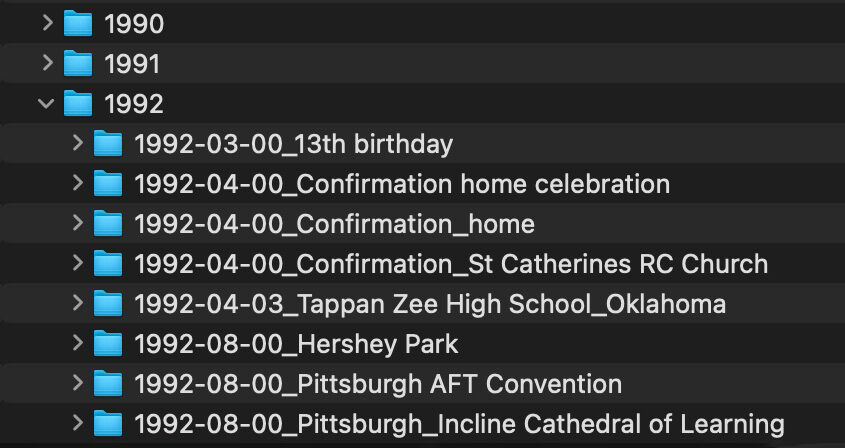
How should I name my digital photos?
If you follow these best practices then you will have a photo archive where every filename is unique, chronological, and self-explanatory…
-
![]()
Five Ways NOT to Organize Your Digital Photos
It’s hard to know how to organize your digital photos and you don’t want to invest lots of time and find yourself in a dead end. Here are five common strategies we suggest you avoid:
-
![metadata]()
What is Metadata?
Metadata is a way to embed details inside a digital photo that allows you to search your photo archive instead…
-
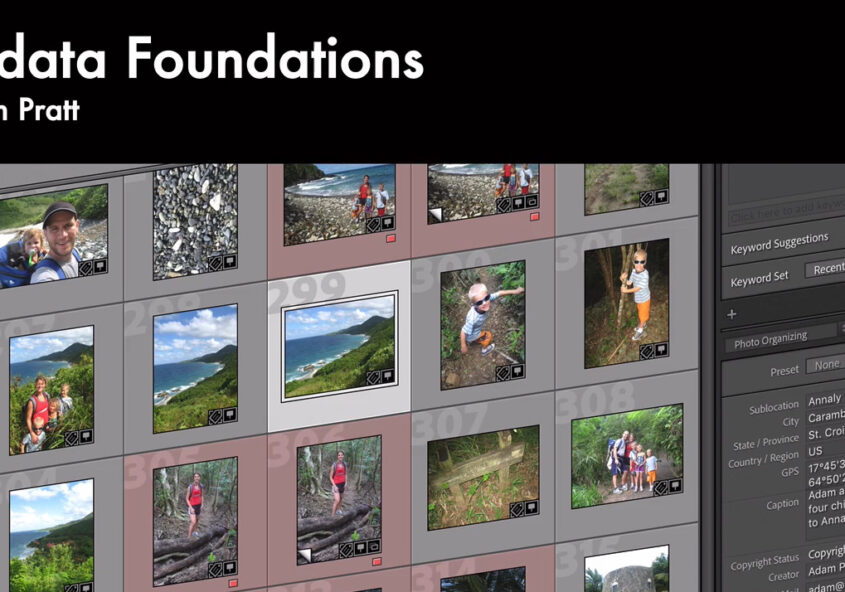
![Metadata Foundations with Adam Pratt]()
Course: Metadata Foundations
If you’re ready to learn about the fundamentals of dates and times for digital photos and videos, and how to fix them in the most efficient way possible, read on.Are you ready to learn what metadata is, how it works, and why it matters?
-
![curation of photos]()
Curation of Physical and Digital Photos
Enjoy this free excerpt from Adam Pratt’s book Declutter Your Photo Life…
-
![best photo backup plan]()
Photo Backup Best Practices
Family photos are precious, but most people have a haphazard photo backup plan, or none at all. We use the 3-2-1 backup plan…
-
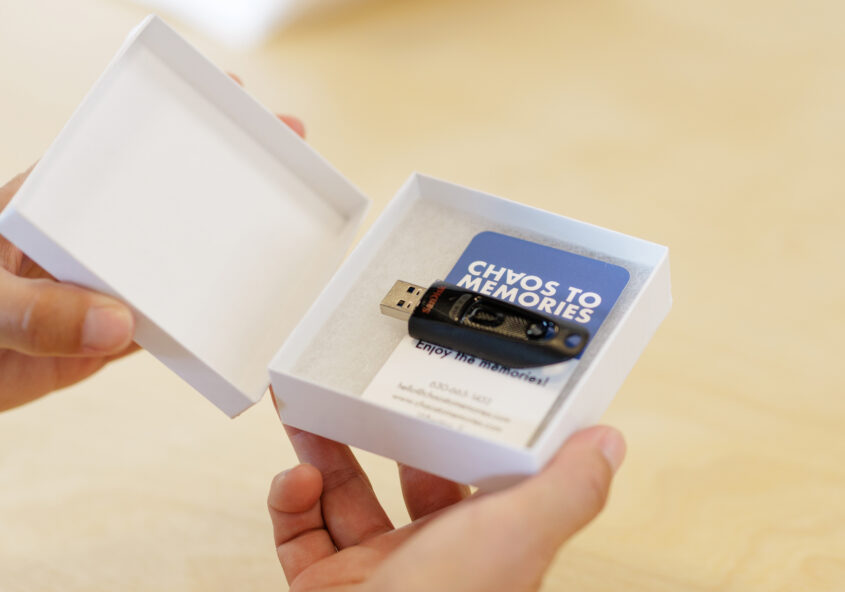
![USB thumb drive in small white box]()
Why do we use USB thumb drives for project delivery?
After we scan photos and convert home movies, we deliver most client projects on USB thumb drives because…